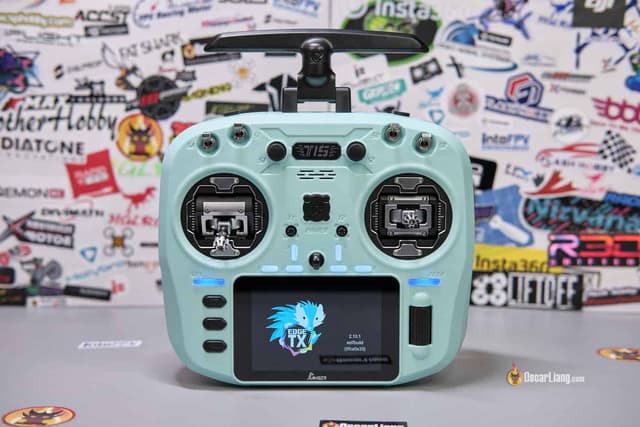
EdgeTX widgets for the Jumper T15
No published widgets fit the Jumper T15's 480x320 color touchscreen yet. Be the first to make one. Each one is a free Lua widget you can download, copy to your SD card and pick from the radio's screen setup.
Jumper: 3.5" color touchscreen with Hall gimbals.
Design your own Jumper T15 widgetHow to install a widget on the Jumper T15
- Open a widget above and click Download. You get a ZIP built for 480x320 screens.
- Unzip it and copy the folder inside
WIDGETSto/WIDGETS/on the Jumper T15's SD card, so the script sits at/WIDGETS/<folder>/main.lua. - Restart the radio, open Screens setup, pick a layout and a widget zone, and select the widget (you can tap through these menus on the touchscreen).
- Widgets need EdgeTX 2.8 or newer on the radio.
Radios that share the Jumper T15's screen
Widgets made for any of these 480x320 radios also run on the Jumper T15.